Personal Finance Workbook
Budget vs actual, net worth, snowball vs avalanche debt payoff, verified
Budget against actual, net worth by month, and a debt payoff plan running snowball and avalanche side by side with the payoff month and interest of each.
One price, no licence to choose. Payment and VAT are handled by Gumroad, the merchant of record.
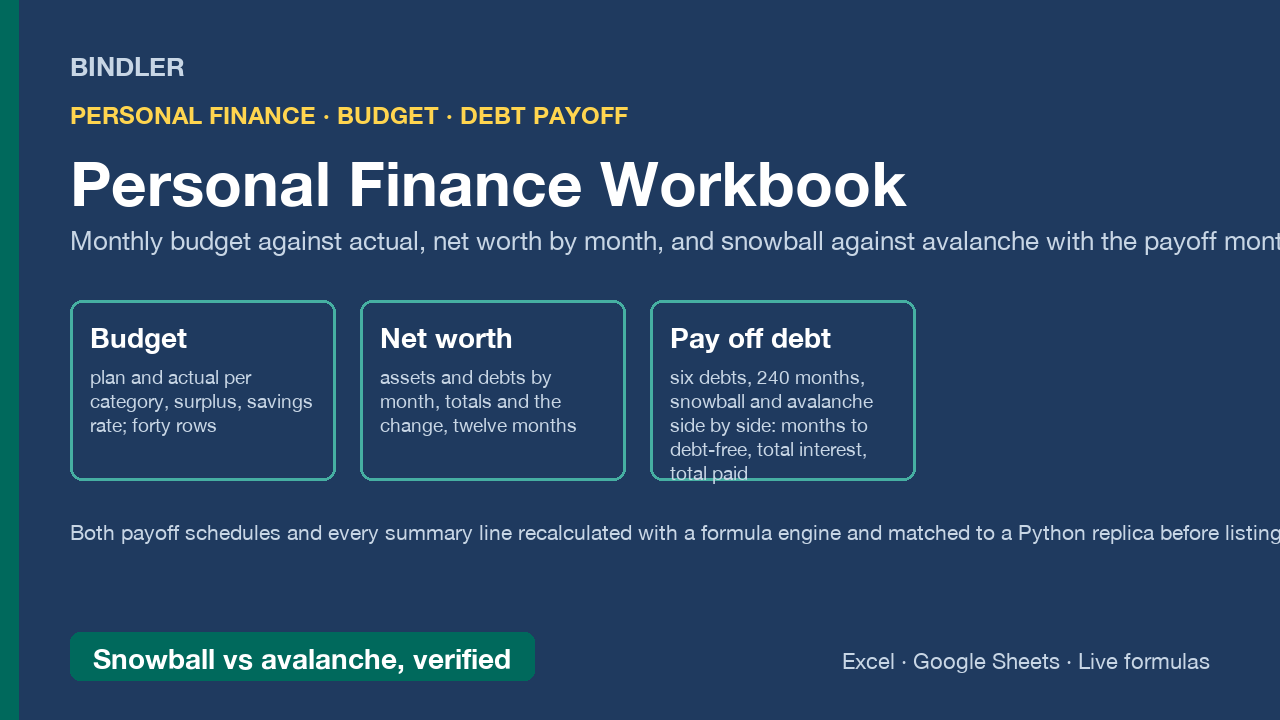
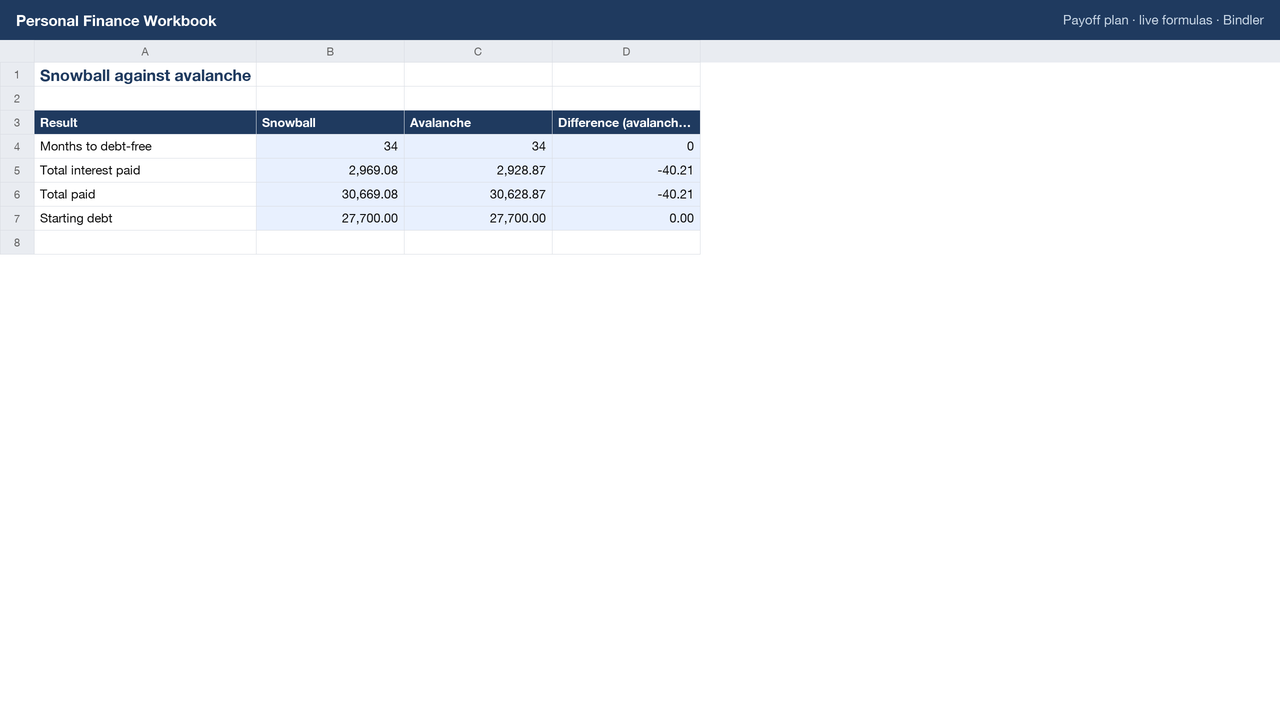
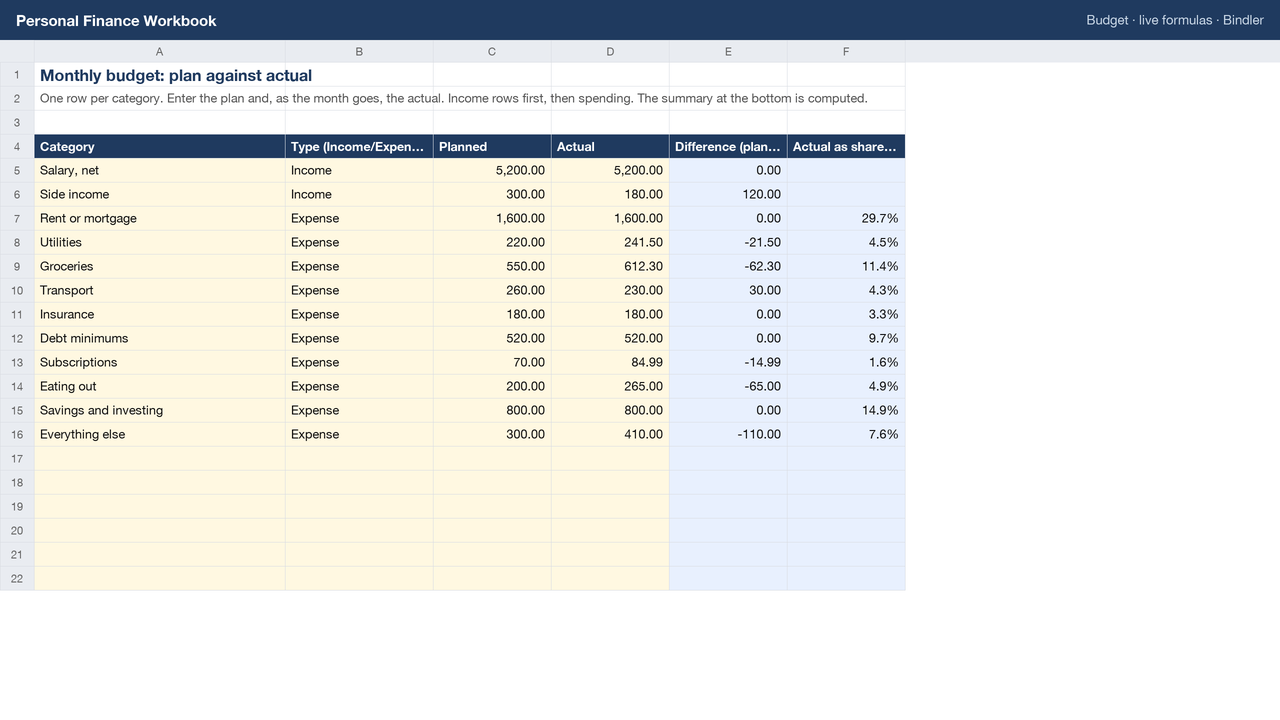
Three things most people keep in three places, in one verified workbook. Budget: one row per category, planned and actual, with income, spending, surplus and the savings rate computed. Net worth: assets and debts by month with totals and the month-on-month change. Debts: up to six with balance, rate and minimum, plus the extra you can pay; the workbook then runs 240 months of snowball (smallest balance first) and avalanche (highest rate first) side by side, every open debt charged interest on its opening balance, every minimum paid, the extra pool (your extra plus the minimums of debts already cleared) sent to the target debt, and the Payoff plan sheet showing months to debt-free, total interest and total paid under each method and the difference between them.
- Both payoff schedules and every summary line recalculated with a formula engine and matched to an independent Python replica before listing.
- Live formulas, no macros, no locked cells; opens in Excel and Google Sheets. The sample figures are illustrative; replace them.
- Arithmetic on your own numbers. Not financial advice.
What is inside
1 Excel workbook (.xlsx), sheets: Budget, Net worth, Debts, Snowball (240 months), Avalanche (240 months), Payoff plan, Guide.
Use it if
You want a budget, a net worth tracker and a debt payoff plan whose arithmetic you can check, in one file.
Not for
You want bank feeds, automatic categorisation or investment projections; this is a spreadsheet you fill in.
Sheet previews
How buying works
- Choose a licenceSingle user for one person, team for up to 10, consultancy to use with clients. The buttons above go to the Gumroad page.
- Pay on GumroadCard or PayPal; Gumroad is the merchant of record and handles VAT and the receipt.
- Download the fileThe .xlsx arrives on the receipt page and by email. It opens in Excel and Google Sheets; nothing to install.
- Use itYellow cells are inputs, blue cells are formulas, every figure names its source. Questions: reply to the receipt; every reply is read and answered, usually the same day.
Advisers and accountants who recommend these workbooks to clients can earn 30% of each sale as a Gumroad affiliate: sign up on the store, no approval wait.
Search terms this page answers: budget spreadsheet excel, net worth tracker excel, debt snowball spreadsheet, debt avalanche calculator excel, personal finance workbook.